 Arshad Shaikh
 IN THIS POST , YOU WILL GET SOME OF GEMINI AI CREATED IMAGES PROMPTS FOR MEN THAT U CAN USE FOR SHARING IN YOUR SOCIAL MEDIA ACCOUNTS LIKE INSTAGRAM
Thank you for reading this post, don't forget to subscribe!NOWADAYS, YOU GUYS KNOW VERY WELL GEMINI AI CREATED POST GOES VIRAL , IN THIS POST U WILL FINDOUT PROMPTS FOR MENS THAT WILL BE CREATE YOUR ORDINARY PIC INTO VIRAL GEMINI AI CREATED IMAGES
ORIGINAL PICTURE
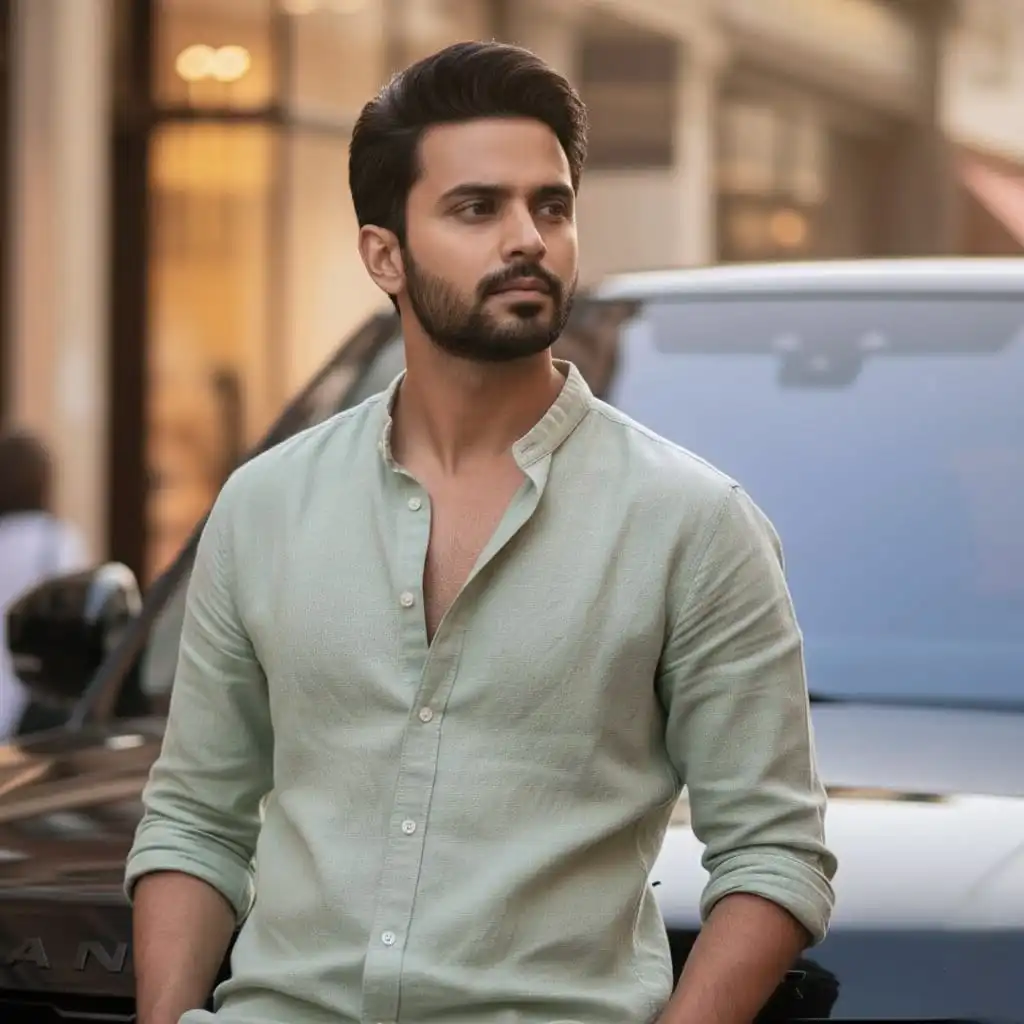
GEMINI AI CREATED IMAGES PROMPTS FOR MEN
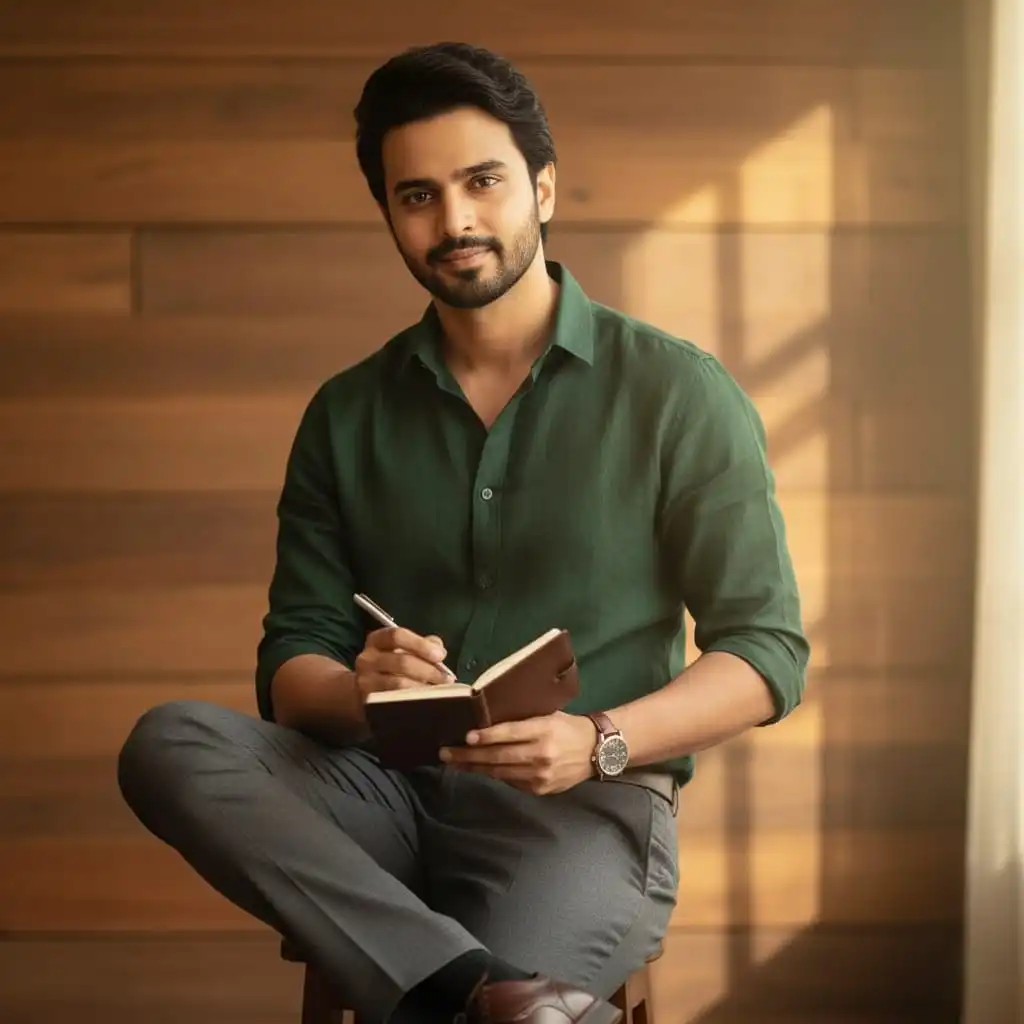
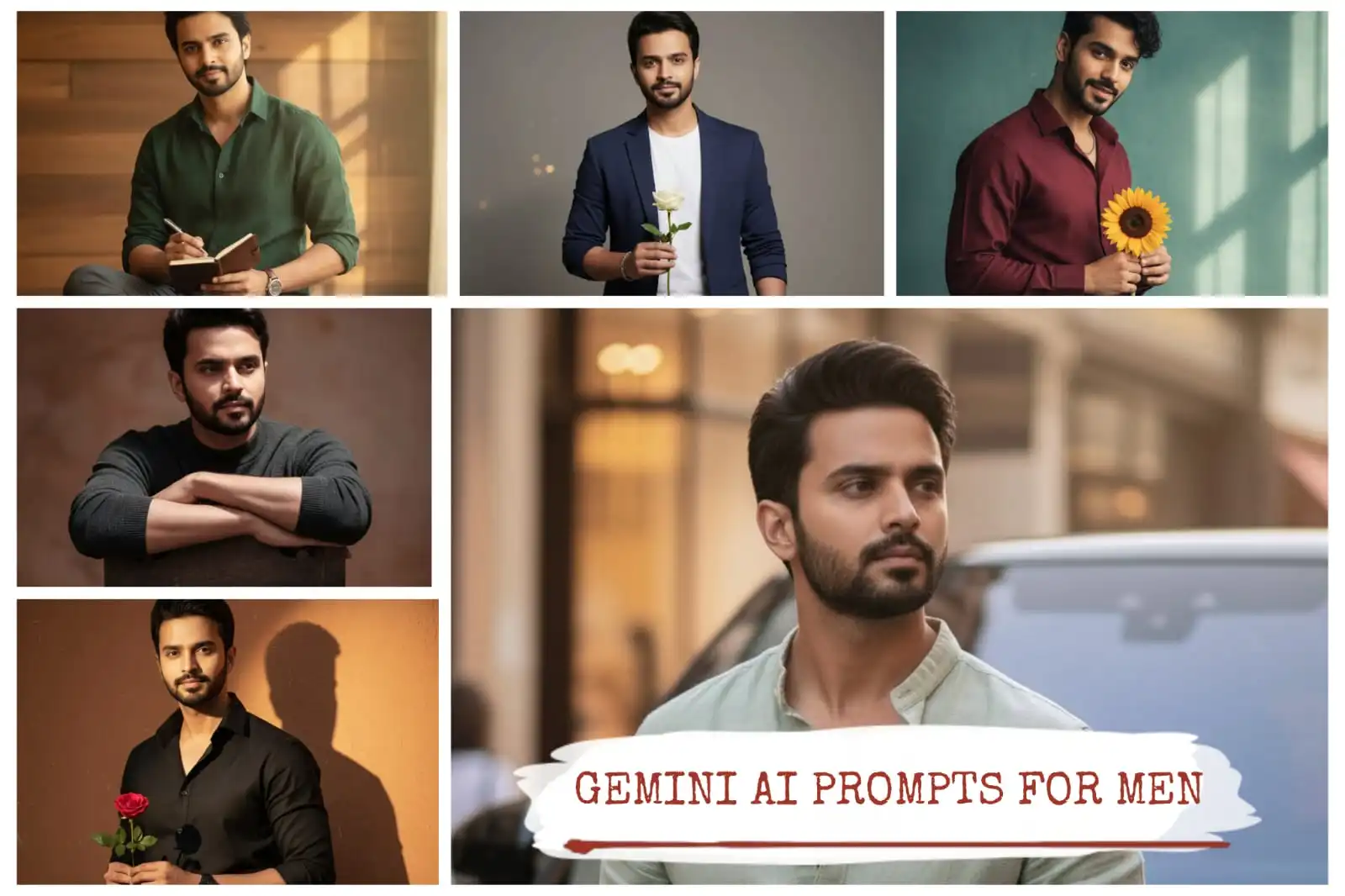
A charming young man with wavy black hair and a faint smile is holding a notebook and pen in one hand. He is wearing a dark green shirt rolled up to the elbows, with slim-fit trousers and polished shoes. A brown leather strap watch is visible on his right wrist. The background is a vintage wooden wall with soft golden light filtering through. Ratio: 9:16

Convert this image into a Ultra-realistic 8K photograph of a person seated on a wooden chair, facing forward, with their arms crossed and resting on the top of the chair’s backrest. Face expression same as a original upload person The person is wearing a dark, high-neck, long-sleeved top. Emphasize dramatic, single-source side lighting that creates strong contrasts and deep shadows, highlighting facial features and body contours. A distinct pattern of light and shadow, reminiscent of Venetian
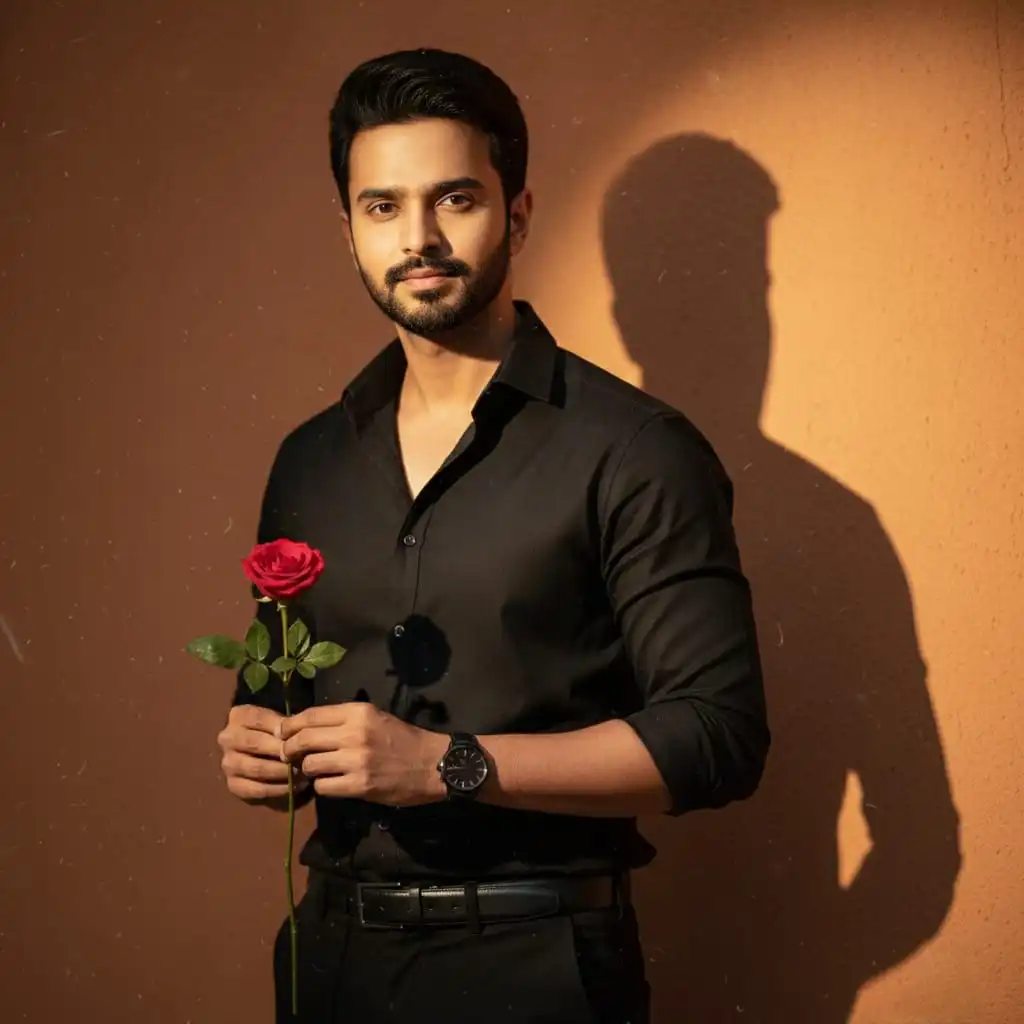
A portrait of the same young man from the reference photo, with identical facial features, hairstyle, and skin tone. He is holding a single red rose in his right hand, dressed in a long-sleeved black button-up shirt tucked into black trousers with a belt. A dark watch is visible on his left wrist. He stands against a warm, orange-toned wall, with a dramatic shadow of his head and shoulders cast to his right. The atmosphere has a soft, cinematic glow with faint speckles and dust particles floating in the air, creating a vintage textured effect. He wears a subtle, confident smile while looking directly at the viewer. Shot in 9:16 portrait ratio for social media.
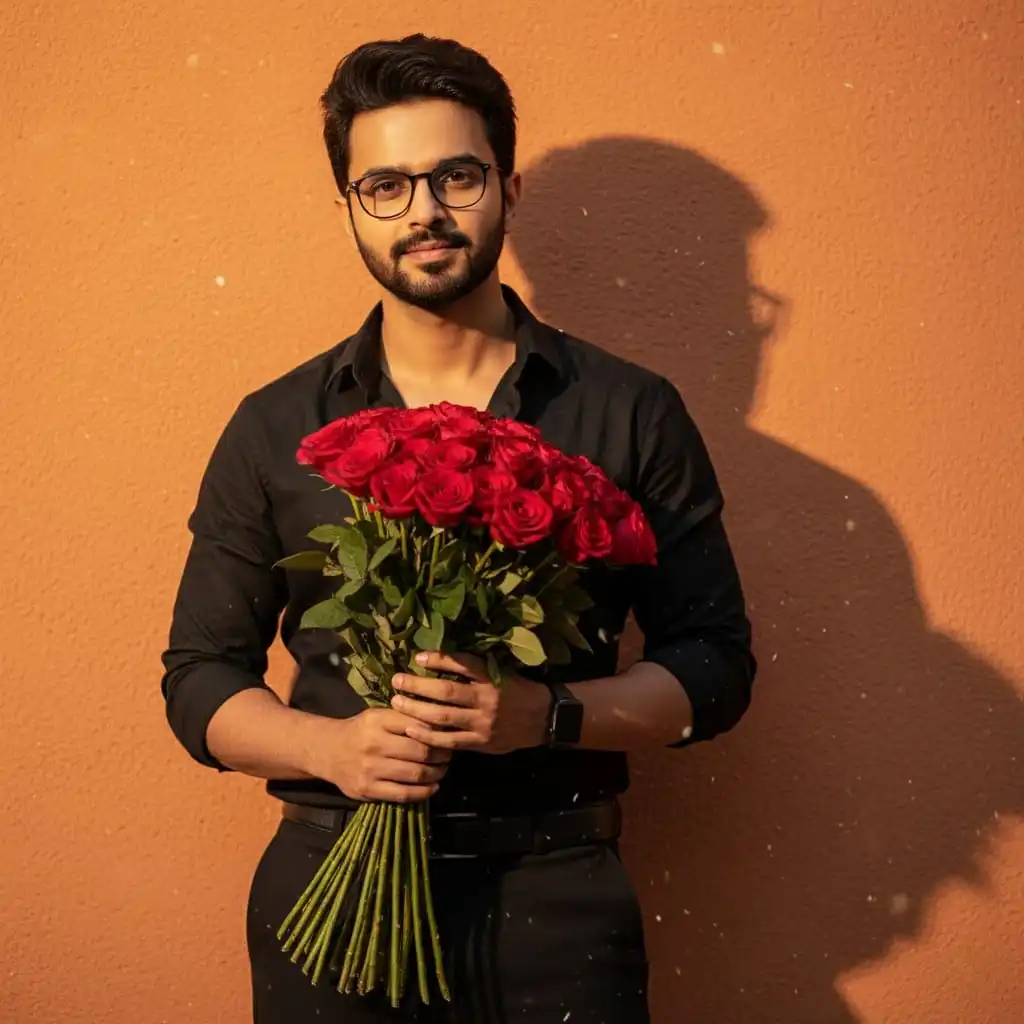
A stylish young man with dark, slightly disheveled hair and glasses is holding a Red Roses Bouquet. He is wearing a long-sleeved black button-up shirt and black trousers with a belt. A dark watch is visible on his left wrist. He has a subtle smile and is looking towards the viewer. The background is a warm, orange-toned wall with a distinct shadow of his head and shoulders cast to his right. There are faint speckles or dust particles visible in the image, giving it a slightly vintage or textured feel. Ratio: 9:16.
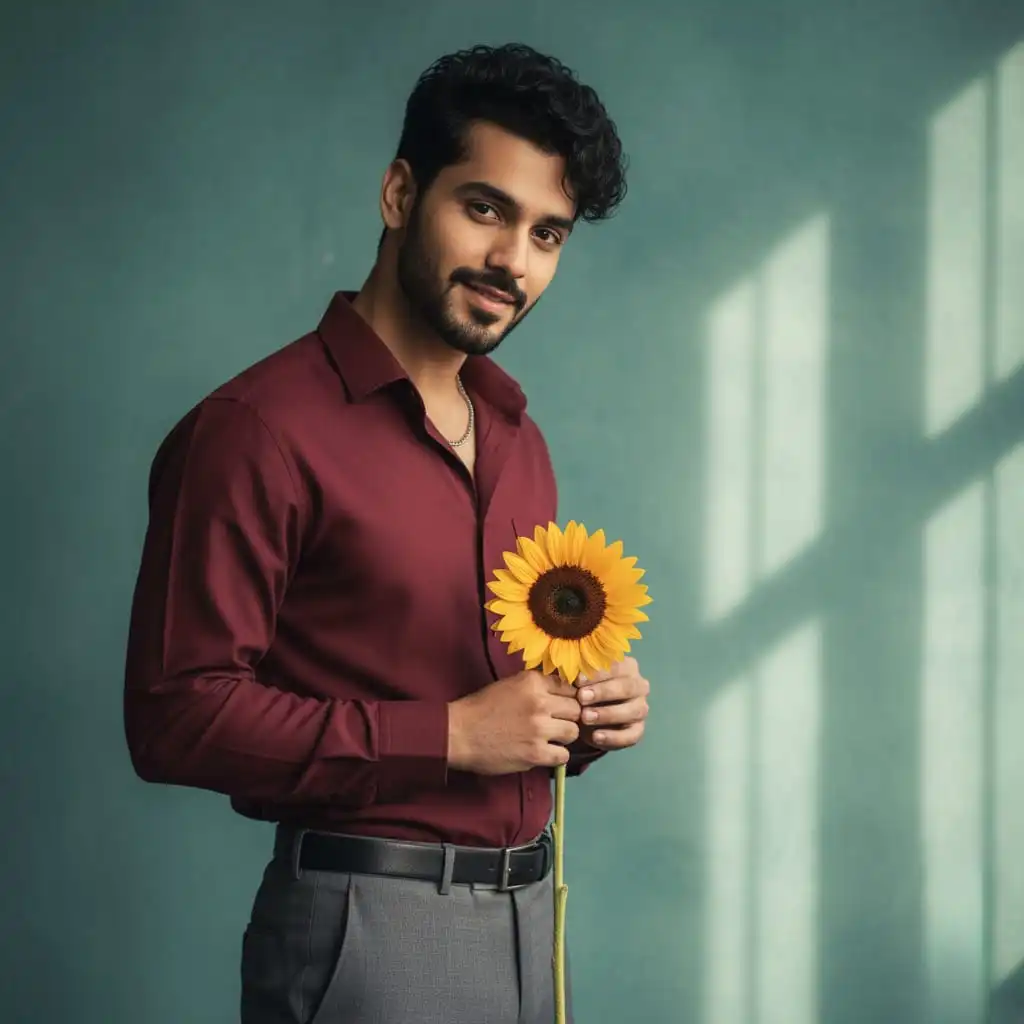
A handsome young man with slightly curly black hair and stubble is standing while holding a single sunflower. He is wearing a maroon full-sleeved shirt tucked into grey trousers with a slim belt. A silver chain hangs subtly around his neck. His eyes are gentle as he looks at the viewer with a slight tilt of the head. The background is a textured teal wall with light streaks coming from the right. Ratio: 9:16

A handsome young man with neatly styled dark hair and a trimmed beard is standing confidently while holding a single white rose. He is wearing a fitted navy blue blazer over a plain white t-shirt, paired with slim black trousers. A silver bracelet is visible on his right wrist. His expression is calm, with a soft smile as he looks directly at the viewer. The background is a muted grey wall with subtle light gradients, and a gentle shadow falls to his left. Small bokeh lights are faintly visible, adding a dreamy, cinematic atmosphere. Ratio: 9:16
How to Create AI Images on Gemini (Step-by-Step Guide)
Creating AI images on Gemini is simple and professional once you know the steps. Below is a 5-step process to assist you in creating and downloading your own image.
Step 1: Open Gemini
Launch the Gemini website on your browser or app and access it using your account.
Step 2: Click on the Banana Icon
On your dashboard, press the banana icon to open Gemini’s image generation tool.
Step 3: Upload Your Image
Press the upload button and input your reference image. This helps Gemini pick up the idea or style you want.
Step 4: Copy a Prompt You Like
Check out our library of prompts at promptinsights.Indiagup.com, select a prompt that you like, and copy and paste it into Gemini’s prompt box.
Step 5: Generate and Download
Click Generate and let Gemini design your art. When completed, see and download your AI photo for posts, projects, or presentations.
Pro Tip: Be specific and concise with your prompts. The more detailed your description, the better your results will be.