 Arshad Shaikh
 Gemini Banana AI Prompt- In This Post You Will Explore Some Prompts Related To Banana PIcture ,
Thank you for reading this post, don't forget to subscribe!Which Looks Funny , Or It May Have A Chance To Standout Between Rest Of Ai Gemini Image Becuase Its Looks Funny And Everyone Using Gemini Ai Banana Features .
So , If You Are True Banana Lovers Then This Post Is For Yours!
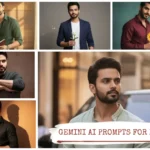
Original Picture

Gemini Banana AI Prompt

Using the reference image, generate the same young man dramatically smooching a giant banana like it’s a romantic partner. Background glowing pink with hearts. Ratio: 9:16.

Using the reference image, the man is holding two bananas like headphones, pretending to enjoy music. Background neon blue with musical notes floating. Ratio: 9:16
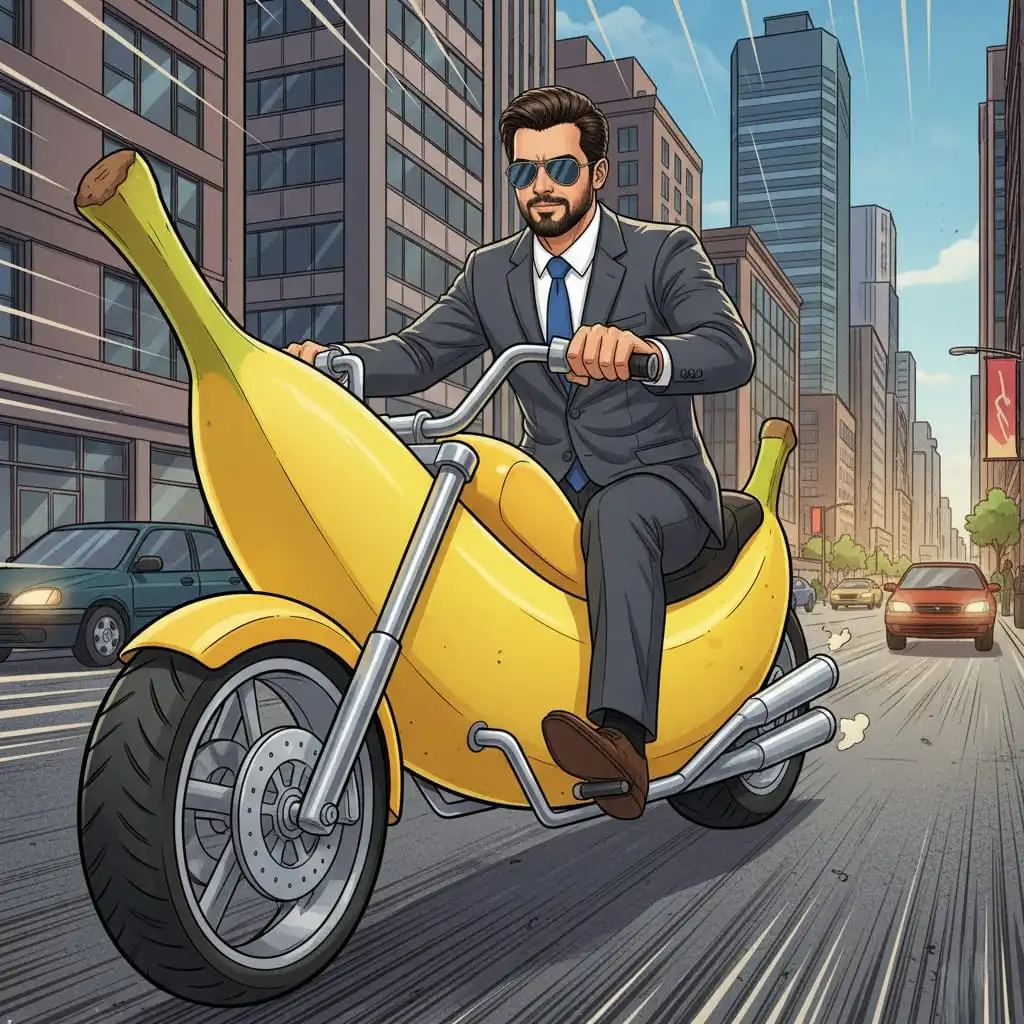
Using the reference image, the man is riding a giant banana as if it’s a motorcycle, wearing cool sunglasses. Background is a busy city street. Ratio: 9:16.

Using the reference image, create the man posing like an action hero, but holding a peeled banana as a gun. Background smoky with cinematic lighting. Ratio: 9:16.

Using the reference image, the man is wearing banana peel gloves and posing like a superhero ready to fight crime. Background comic-style explosion art. Ratio: 9:16.

Using the reference image, generate the man sitting at a dinner table with a banana standing upright on a plate, candles lit as if it’s a romantic date. Ratio: 9:16

A man pretending to talk on a banana like a mobile phone, looking very serious as if he’s in an important business call. He wears formal clothes, making the scene even funnier.

Using the reference image, generate the man playing a banana like a guitar, rocking out on stage with bright neon lights behind him. Ratio: 9:16.
How to Create AI Images on Gemini (Step-by-Step Guide)
Creating AI images on Gemini is simple and professional once you know the steps. Below is a 5-step process to assist you in creating and downloading your own image.
Step 1: Open Gemini
Launch the Gemini website on your browser or app and access it using your account.
Step 2: Click on the Banana Icon
On your dashboard, press the banana icon to open Gemini’s image generation tool.
Step 3: Upload Your Image
Press the upload button and input your reference image. This helps Gemini pick up the idea or style you want.
Step 4: Copy a Prompt You Like
Check out our library of prompts at promptinsights.Indiagup.com, select a prompt that you like, and copy and paste it into Gemini’s prompt box.
Step 5: Generate and Download
Click Generate and let Gemini design your art. When completed, see and download your AI photo for posts, projects, or presentations.
Pro Tip: Be specific and concise with your prompts. The more detailed your description, the better your results will be.